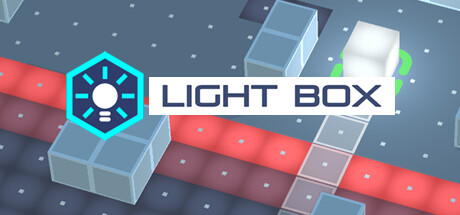
Lightbox
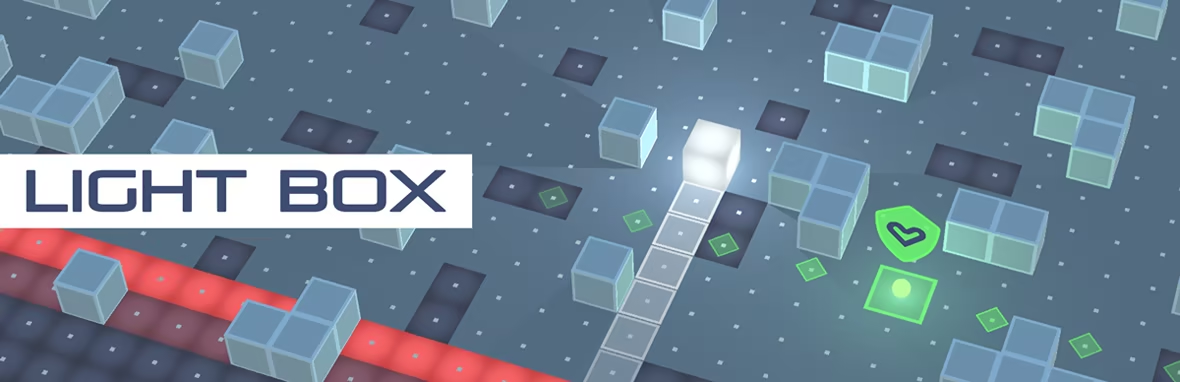
Roll and shine endlessly in this game! Move left, move right, avoid obstacles, and collect Life-Shields for protection. Watch out for traps and other dangerous boxes. Keep rolling and shining!
Where to buy
Media
Details
About this game
Experience an exciting endless rolling game where you must navigate through obstacles by moving left and right. Collect Life-Shields to protect yourself and increase your chances of progressing, but be aware that they won't shield you from certain dangers. Take advantage of the Turbo Booster that will roll you along the turbo track through obstacles. Remember that some obstacles require key to pass them, so hurry to pick up key before getting caught by growing trap. Stay alert in this perilous world filled with deadly traps and rival boxes. Keep your box shining brightly as you roll through this thrilling adventure!
GAME FEATURE
Listen to 8 fun tracks on your way to new progress.
Play using a keyboard, gamepad, or touch screen.
Game controls also have a left-handed option.
BRIGHT MINDS COLLECTION

To open one card from "Bright Minds Collection", you need to pick up 3 ACHV Coins.
SPECIAL ITEMS

GAME GUIDE
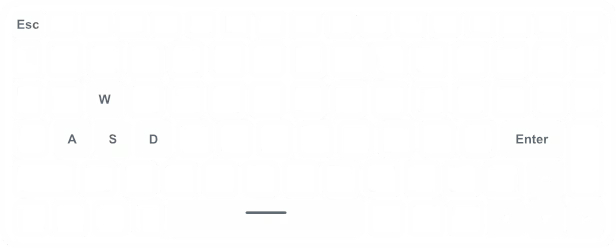
The user interface can be navigated using either a mouse or a touch screen device. Keyboard and gamepad inputs are limited to starting, pausing, resuming, and quitting the game. Movement controls are fully compatible with keyboards, gamepads, touchscreens, and mouse input (preferably a pen-type). Left-handed players can utilize alternative controls: "W, A, S, D" keys on keyboards and the left stick on gamepads. During pause mode, touch screen users can adjust the move controller to the left or right corner of the screen by pressing the "L or R" buttons. For better understanding, see the pictures below.
GAME CONTROL
To switch controller type, click on the controller icon.
Keyboard is selected by default.

KEYBOARD
Enter - Start
Space - Pause / Resume
Esc - Quit
GAMEPAD
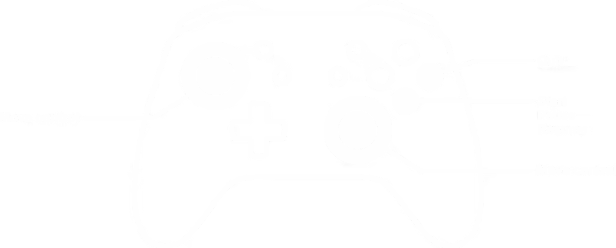
Left & Right stick - Move control
South button "A or X" - Start / Pause / Resume
East button "B or O" - Quit
TOUCH SCREEN
Radial buttons - Move control
Lower left button - Pause / Resume
"L or R" button in pause mode - Fit radial control to left or right