Twin Souls, One World
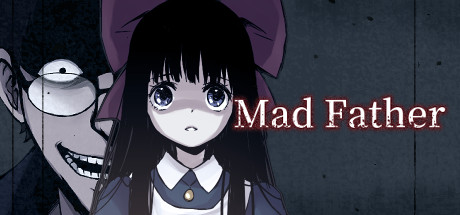
Day after day, Zhong Tanyou lives a lonely life. He has no friends and is isolated by his classmates. He has also lost all his memories of his first year of high school. Then, one night, he has a strange nightmare. A white-haired girl appears in the dream, along with something else......
Where to buy
Media
Details
About this game

Zhong Tanyou, a high school senior who had been living an ordinary life, began having strange dreams one day.
Explore the dreams again and again to uncover the reason behind their existence.
The white-haired girl who appears every time you leave the dream.......
“Every time I see her, I get a strange feeling.”
The game includes:
A horror atmosphere that isn't too frightening

Relatively simple chase sequences
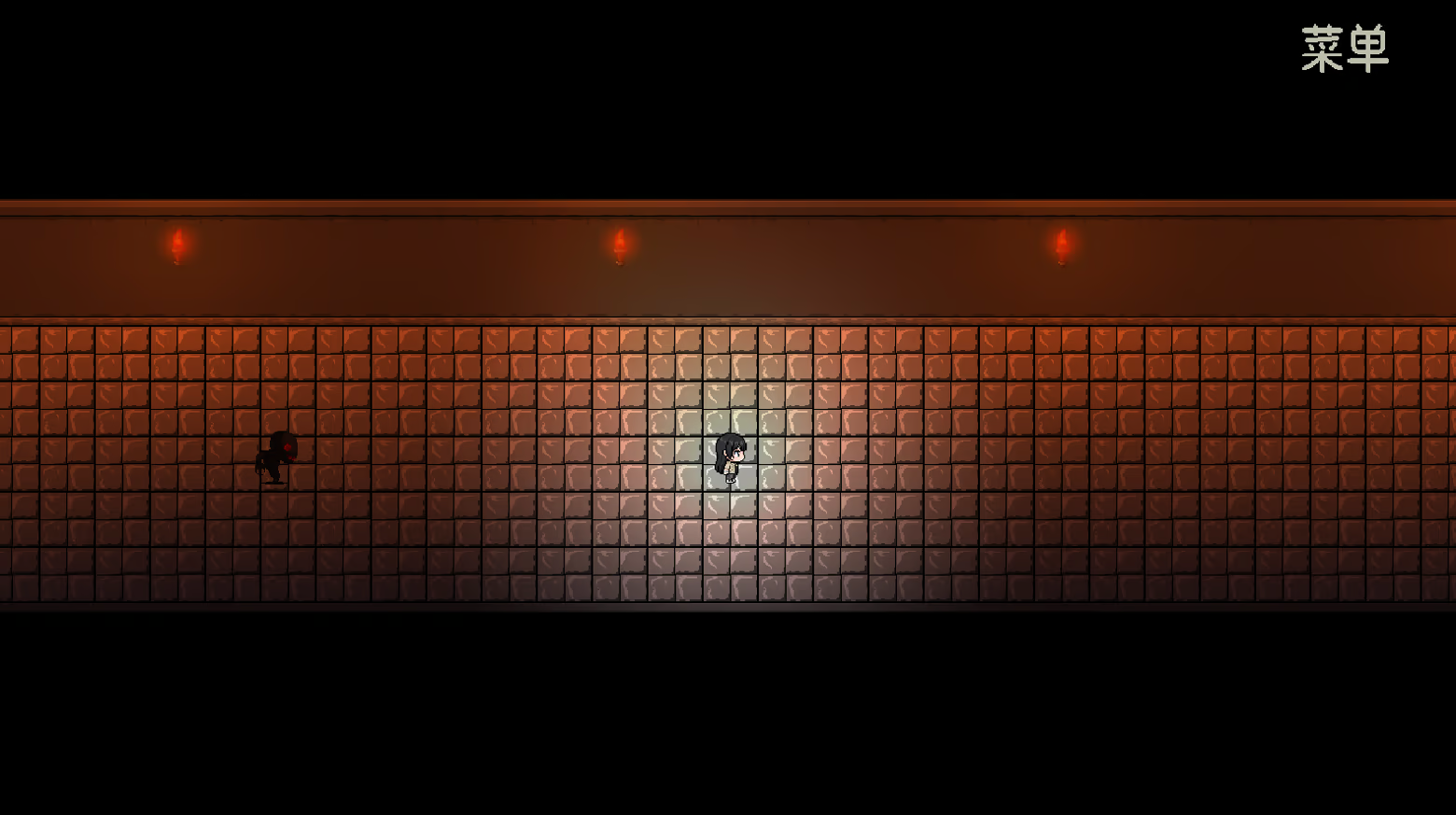
Some fairly creative puzzles

There will be no grotesque or terrifying imagery in the game, nor any similar depictions (so please enjoy without worry)
The game is primarily story-driven
It contains a substantial amount of story content, along with a unique world setting
There are two true endings and two normal endings in the game. The overall playtime is relatively short, with a full playthrough taking around 5 hours.
Controls
WASD or the arrow keys, as well as the mouse, can be used to move the character. ESC, E, or the right mouse button can be used to open the menu during gameplay, where you can save or load your game.
(The menu cannot be opened during dialogue.)
The F key, Z key, or left mouse button can be used to interact.
Fullscreen mode can be enabled in the “Settings.”
Hold Ctrl to quickly skip dialogue.
The game also features an autosave function.
(If you encounter any issues during the game or have any suggestions for improvement, please send your feedback to cangqongxingy@163.com.)