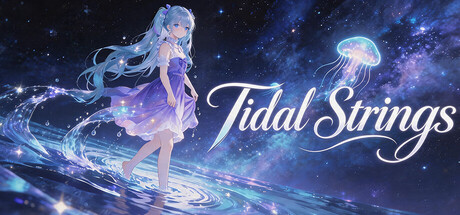
Tidal Strings
Tidal Strings is a UGC falling-type rhythm game integrated with desktop dynamic wallpapers. Levels are custom-created by players, and a simplified creation feature is also provided: players only need to set local music to generate random levels.
Where to buy
Content
Media
Details
About this game
I. How to Generate a Random Stage
1. After starting the game, click "Create Music".
2. Add music from your local disk.
3. Adjust the difficulty value of the stage (default: Easy1, Hard5, Chaos10).
4. Click "Confirm" to generate a random stage (setting wallpaper, song name, and composer are optional).
II. How to Generate a Custom Stage
1. After starting the game, click "Create Music".
2. Add music from your local disk.
3. Either import a score from a CSV or TXT file, or create it manually in the panel.
4. In the corresponding note generation mode, change the mode to "Use Score".
5. Click "Confirm" to generate a custom stage (setting wallpaper, song name, and composer are optional).
III. Dynamic Wallpaper Feature
1. Enable Wallpaper Mode to set the game's dynamic background directly as your computer's desktop dynamic wallpaper.
2. Supports switching between game and wallpaper modes. After setting as desktop wallpaper, right-click the tray icon to return to the game.
3. Check "Auto-enter Wallpaper Mode" in settings, and the game will automatically enter wallpaper mode each time it starts. You can switch back to the game interface via the tray icon at any time.
4. To start the wallpaper at boot, add the game to the startup folder.
Special Notes
1. The game's native song packs are updated for free via DLC.
2. Game stages need to be created by the player.
3. Cloud saves only store game data and do not upload local audio or wallpaper.